As you prepare for your spiritual journey to Umrah, staying connected is essential. One of the best ways to ensure you have reliable mobile data during your trip is by setting up an eSIM for Umrah. This guide will help you activate your eSIM before your flight from Dubai, keep your UAE WhatsApp number, and manage your data needs for maps, Nusuk, and family calls.
What is an eSIM?
An eSIM, or embedded SIM, is a digital SIM that allows you to activate a cellular plan without needing a physical SIM card. This technology is becoming increasingly popular among travelers, especially for those heading to destinations like Saudi Arabia for Umrah.
Benefits of Using an eSIM for Umrah
- Convenience: Easily switch between different mobile plans without needing to swap SIM cards.
- Data Management: Choose a data plan that fits your needs for navigation, Nusuk app usage, and staying in touch with family.
- WhatsApp Access: Keep your UAE WhatsApp number active, allowing you to communicate without interruption.
Setting Up Your eSIM Before Leaving Dubai
To avoid any connectivity issues upon arrival in Saudi Arabia, it is advisable to set up your eSIM while still in Dubai. Here’s how:
- Contact your mobile service provider in the UAE to inquire about their eSIM offerings for international travel.
- Choose a plan that provides sufficient data for your needs, including navigation and communication.
- Follow the instructions provided by your carrier to download and activate your eSIM.
Recommended Data Plans for Umrah
When selecting a data plan for your Umrah mobile data in Makkah, consider the following:
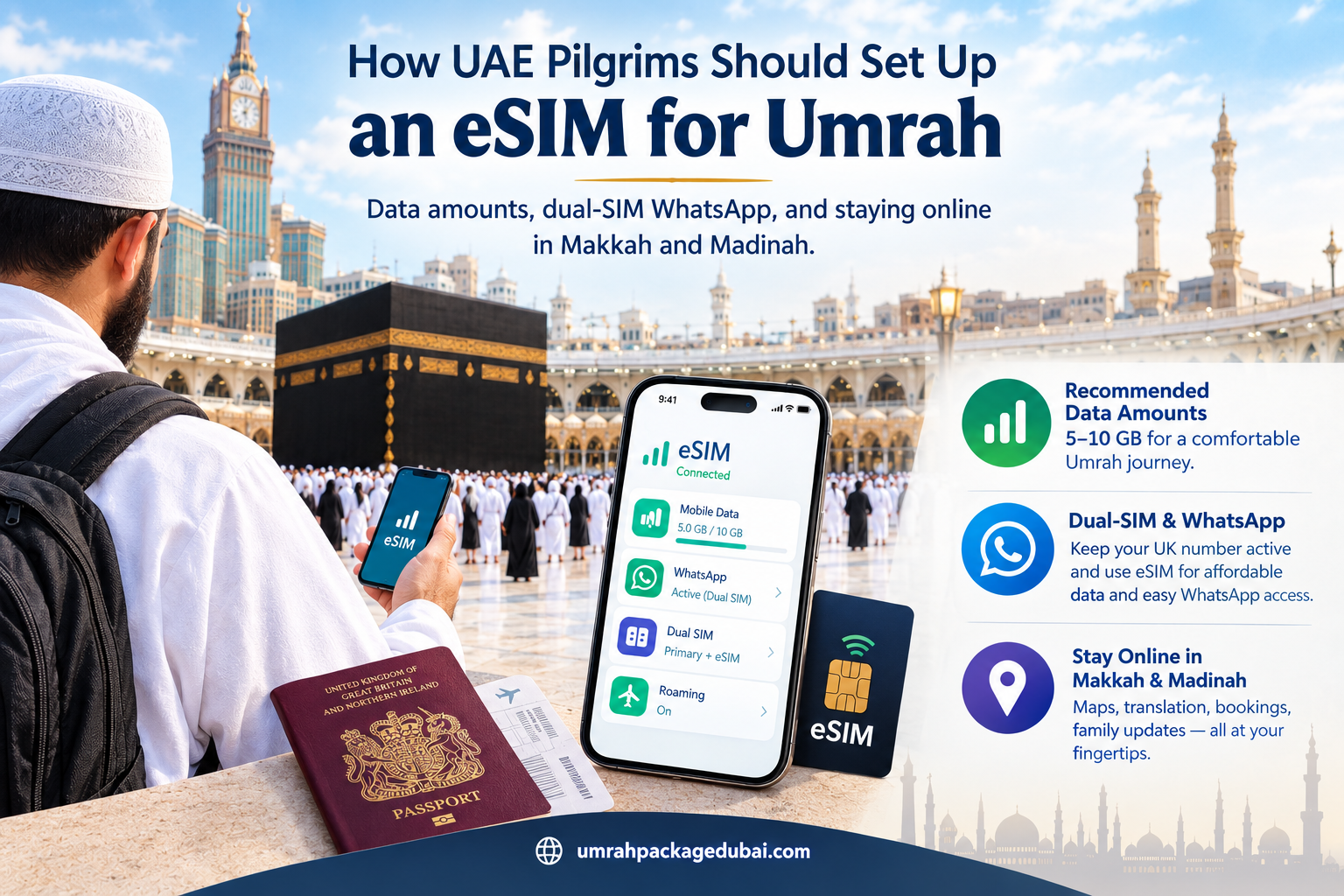
- Look for plans that offer at least 5GB of data, which should be sufficient for navigation and using the Nusuk app.
- Check if the plan includes calls to UAE numbers, as this can help you stay in touch with family.
- Ensure that the plan covers both Makkah and Madinah, as you will need connectivity in both cities.
Keeping Your UAE WhatsApp Active
With an eSIM, you can keep your UAE WhatsApp number active while using a local data plan. This is particularly useful for:
- Staying connected with family and friends back home.
- Receiving important messages and updates during your trip.
- Using WhatsApp for group chats with fellow pilgrims.
Using Your eSIM in Makkah and Madinah
Once you arrive in Saudi Arabia, your eSIM should be ready to use. Here are some tips:
- Make sure your phone is set to allow data roaming.
- Download essential apps like Nusuk for guidance during your pilgrimage.
- Use maps to navigate between key sites in Makkah and Madinah.
Final Thoughts
Setting up an eSIM for Umrah is a practical step to ensure you remain connected throughout your journey. With the right data plan, you can easily access maps, communicate with family, and use the Nusuk app to enhance your experience. For more assistance with your Umrah travel needs, visit umrahpackagedubai.com.